

SS IPTV
See below the instructions required to configure your tv box device

STEP 1: Download The App
First of all, you need to find the app and download it from the store of the device you want to run it on.

STEP 2: Provide Us With The Required Numbers
Follow the steps when you open the app for the first time: Go to the settings page, Select General and Press the yellow button Get Code, You will see the code on the screen like "VSHA8", send it to us Via email to: contact@ipsostv.com Or provide it to us by filling out the trial subscription request through our website The customer service agent will immediately Activate your subscription
STEP 3: Lists of Channels / VOD
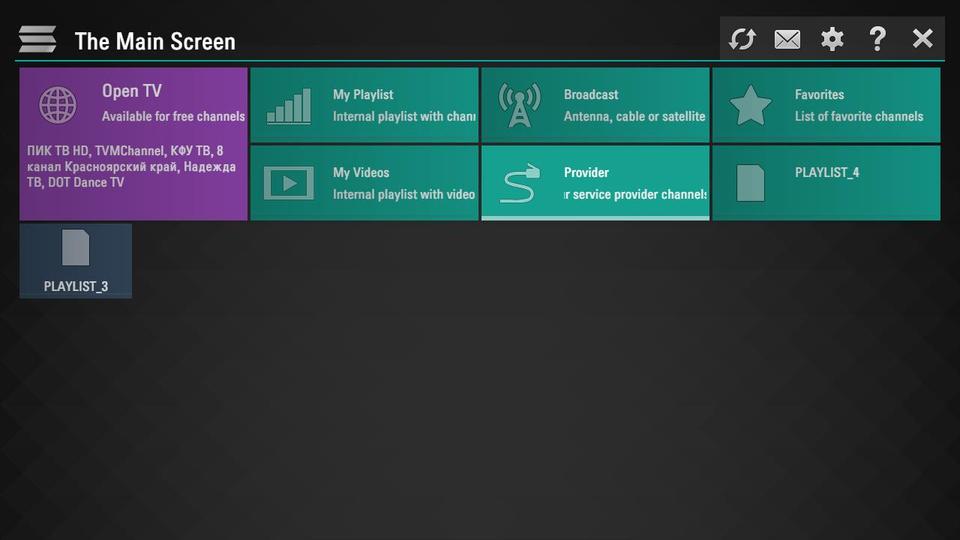
When you activate the subscription on your TV, you will receive a confirmation message. restart the application, next you will see 4 folders distributed as follows ipsostv broadcasts live channels Arab films , foreign films, series. In each folder you will find a set of folders that classify channels, movies and series according to different categories
STEP 4: Updating Subscription
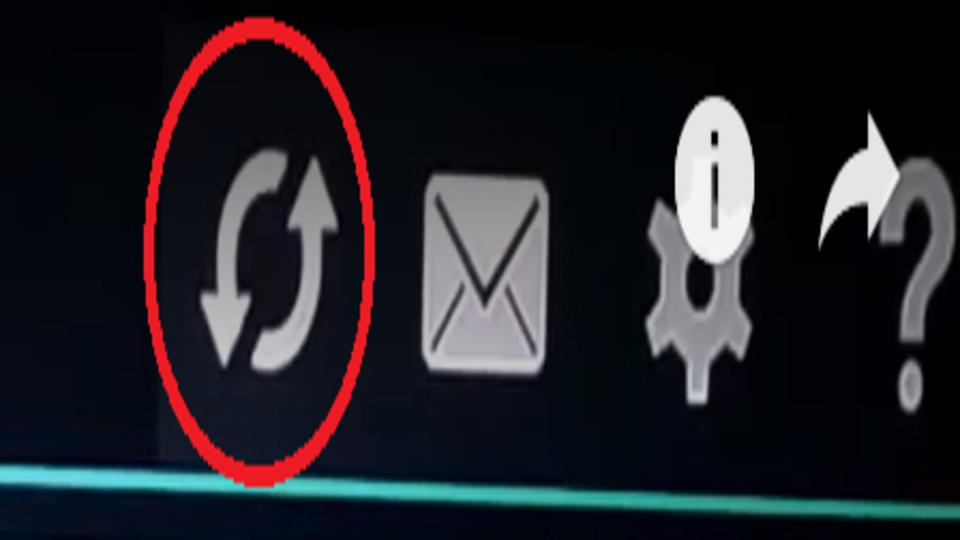
We recommend that you click on the "Update Subscription" button appearing on the image from time to time to show you the latest updates of channels, movies and new series that our team is continually adding to your subscription.
 English
  Français