

iOS
See below the instructions required to configure your iOS device

STEP 1: Download The Xtream-Go App
First of all, you need to Download the app from the app store
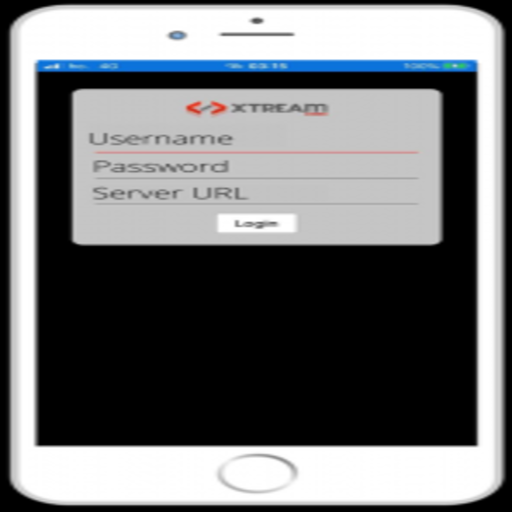
STEP 2: Enter The Subscription Data
This is the last step, after this screen appears, enter your subscription data, which you got when you contacted customer service staff as follows.
- Username: your username will be provide to you after subscription.
- Password: the password will be provide to you after subscription.
- http: // URL: this will be provided to you by the customer service agent when you register

STEP 3: List of Channels/VOD
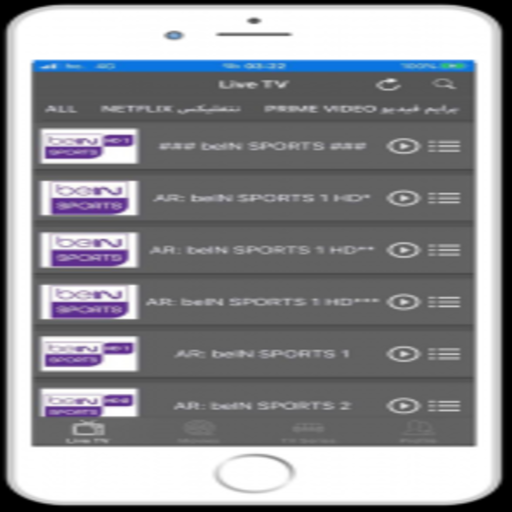
After logging in , you will see this main screen, the features will be explained to you.
- Live: to access channel lists and 24-hour live broadcasts.
- Movies: to access the Movies menu.
- Series: to enter the series list
STEP 4: Selecting/Changing Channels
Select the movies icon at the bottom to display the list of movies The movies are organized into groups you can choose from.
 English
  Français